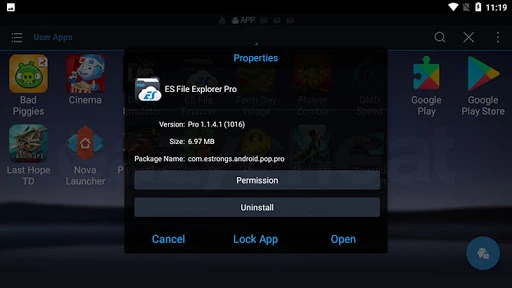
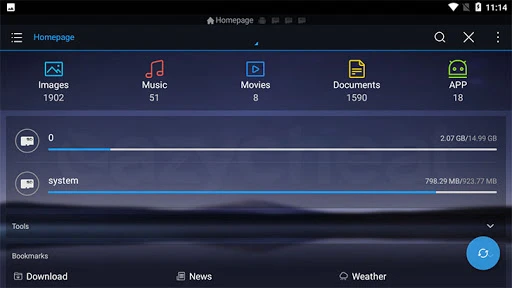
ES EXPLORER PRO
EXTRACT TO /Android/data/
- Tap and hold game save file
- Tap menu and select Extract To
- Select Choose Path and tap /sdcard/
- Navigate to /sdcard/Android/data/
- Tap OK and replace any existing files
GET ACCESS TO /data/data/
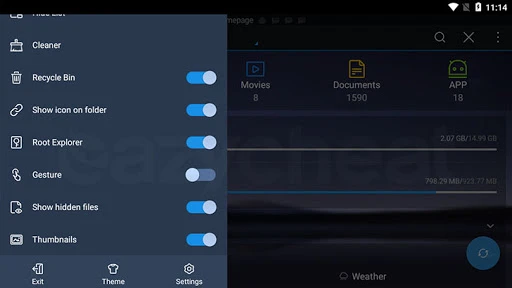
- Tap Menu and select Tools
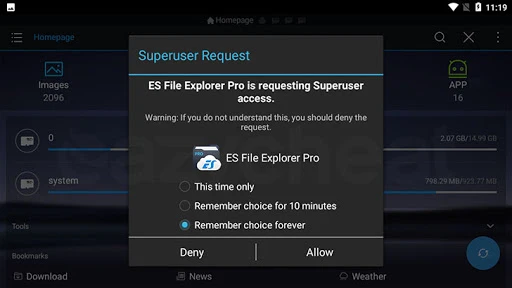
- Turn on Root Explorer and grant root access
- Tap Root Explorer and tap Mount R/W
- Set all path to R/W
NOTES!
You need this before you can extract to /data/data/ or root directory
EXTRACT TO /data/data/
- Tap and hold game save file
- Tap menu and select Extract To
- Select Choose Path and tap /sdcard/
- Navigate to /data/data/
- Tap OK and replace any existing files
- Watch video below for detail instruction
NOTES!
There is no difference between basic and pro version of ES Explorer
DOWNLOAD
Enabling download, Please Wait...